
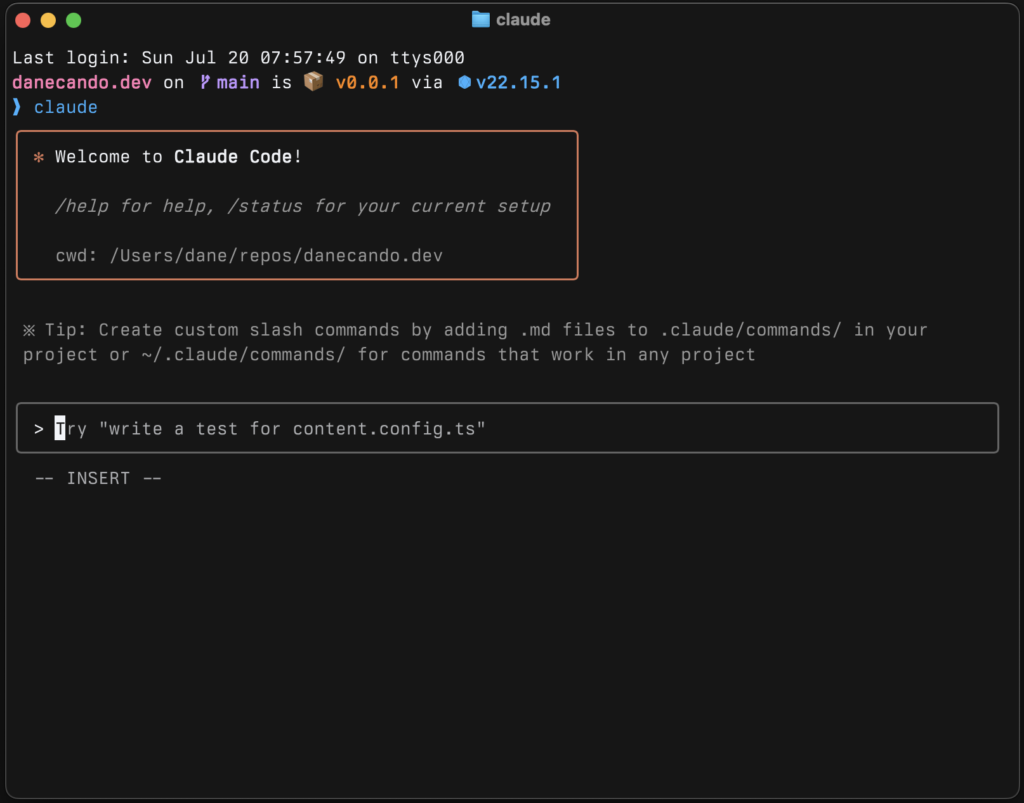
For a while the answer to “Claude Code or Cursor?” was simple: terminal agent versus AI-powered editor. That framing has worn thin. Claude Code now runs in VS Code, JetBrains, a desktop app, the web and Slack, and Cursor has added a command-line agent and cloud agents. Both are heading toward the same idea: an AI that works inside your project instead of only suggesting the next line.
I’ve tried both, though only briefly. Cursor was easier to get started with, simply because it’s a code editor and everything is where you expect it. Claude Code I’ve only used a little. For the work I actually do, which is WordPress sites and HTML and CSS pages, I still end up going back to Claude. That’s one person’s preference on one kind of work, so the comparison below leans on documentation and public code, not on my habits.
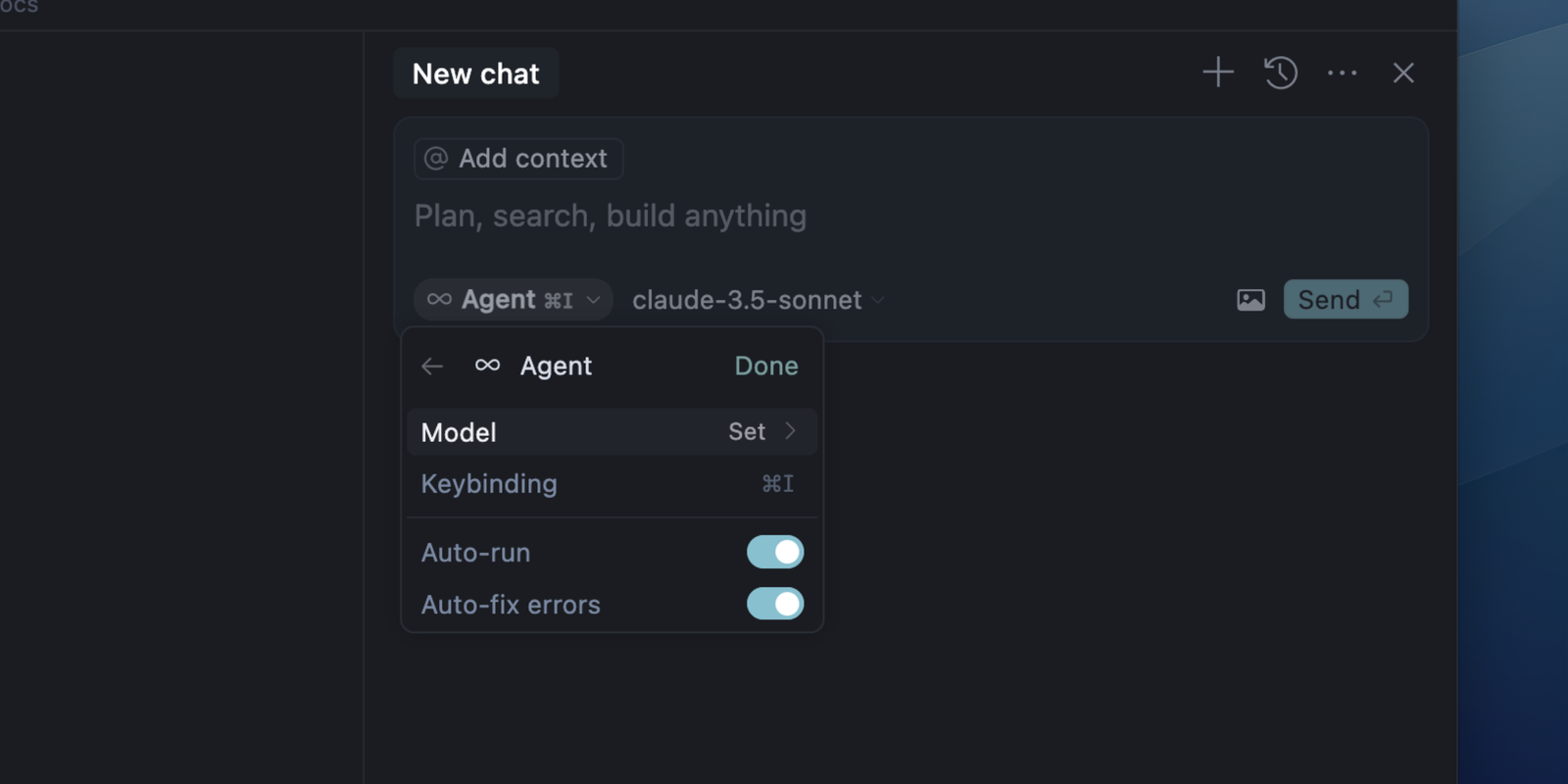
My view, up front: the choice comes down to who you want holding the steering wheel. If you’d rather describe a task and review the result, pick Claude Code. If you’d rather stay in an editor and approve every change as it happens, pick Cursor. If you’re on the fence, start with whichever subscription you already pay for, because Claude Code comes with a Claude Pro plan and Cursor has a free plan.
How this comparison was made: prices come from each vendor’s pricing page and independent trackers, the usage figures come from my own check of public GitHub repositories, and the hands-on impressions are other developers’, clearly attributed. I haven’t run a controlled head-to-head test of the two tools.
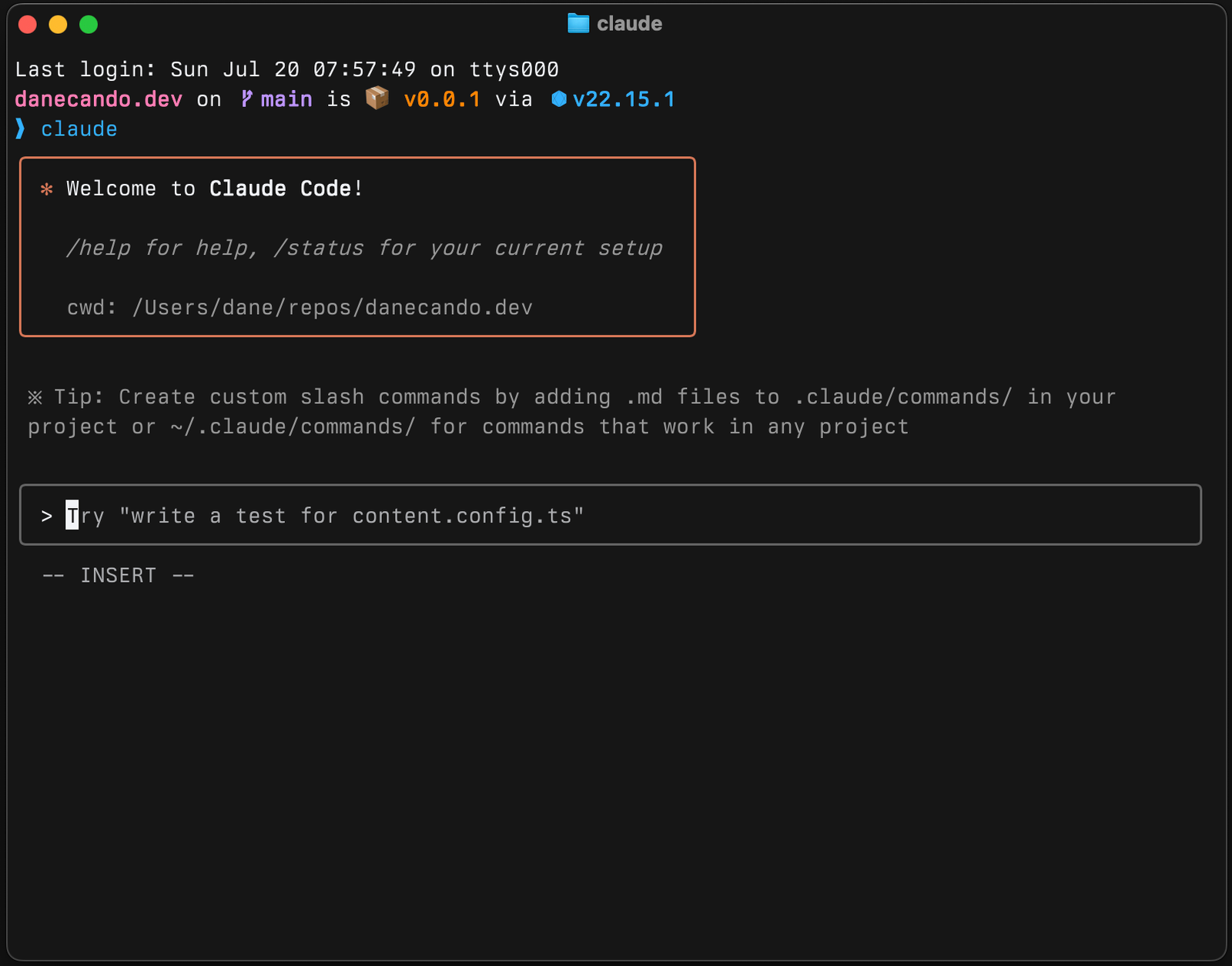
The Real Difference: Who Drives
Builder.io’s Vishwas Gopinath, who says he uses both daily, describes the split well: Claude Code is agent-first, where you describe the outcome, the agent works and you review; Cursor is editor-first, where you drive and the AI assists with completions and edits you approve. I agree with that framing, and I’d add one thing: the tool that suits you also depends on how much you trust yourself to review a large diff carefully. Delegating a whole task is only faster if you actually read what comes back.
- Choose Claude Code if you’re comfortable in a terminal, work across many files at once, want hooks, scripting or CI integration, or like handing over a whole task and reviewing the result.
- Choose Cursor if you want a familiar VS Code-style editor, fast inline tab completions, visual diffs, models from several vendors, or an easier path for teammates who avoid the terminal.
- Use both if your work mixes large autonomous changes with quick interactive edits. Plenty of teams do, as the measurements below suggest.
Side by Side
| Area | Claude Code | Cursor |
|---|---|---|
| Core experience | Terminal agent, with VS Code and JetBrains extensions, a desktop app and a web version | An editor built on VS Code, with a CLI and cloud agents |
| Model choice | Claude models | Models from several vendors, plus Cursor’s own |
| Tab completions | No | Yes, a specialised model |
| Automation | Lifecycle hooks, a programmatic SDK, GitHub Actions, and programmable mods | Rules and settings, subagents, cloud agents |
| Code review | Claude Code Review on GitHub (reported at roughly $15 to $25 per review) | Bugbot on GitHub, GitLab, Bitbucket and Azure DevOps |
| Free option | None; Claude Free doesn’t include Claude Code | A free plan |
What Each Costs
| Level | Claude Code (via Claude plans) | Cursor (now via The X Subscription) |
|---|---|---|
| Free | No | Free plan |
| Entry | Pro, $20 a month ($17 billed annually) | Plus, $8 a month |
| Mid | Max 5x, $100 a month | Premium, $30 a month, or Super, $100 a month |
| Top individual | Max 20x, $200 a month | Ultra, $200 a month |
| Teams | Team seats from $20 to $25 standard and $100 to $125 premium; check which seat includes Claude Code | Teams, from $30 per user |
Update, 16 October 2026: Cursor no longer sells its own Pro, Pro+ and Ultra plans to new customers. Cursor’s pricing page now offers The X Subscription, sold by X Subscription Corp., which bundles Cursor with Grok and X Premium; the Cursor prices in the table above are from that page. Earlier Cursor plans were Pro $20, Pro+ $60 and Ultra $200. Live prices and status are on our X Subscription page and Claude page.
Claude prices come from Anthropic’s pricing page; confirm both on each vendor’s page before you buy. What matters more than the sticker price is how usage is metered. Cursor draws from a credit pool, so expensive models burn credits faster. Claude uses a rolling five-hour limit plus a weekly cap. Gopinath reports that some Cursor users hit overages after the move to credits, and The Register reported developer complaints about opaque Claude limits in January 2026. My advice is the same for both: turn on spend limits and check the usage meter daily for the first two weeks.
Two trackers also report that Cursor’s maker, Anysphere, was acquired by SpaceX in August 2026. I haven’t confirmed that with a primary source; if it matters for your procurement, check it.
What One Daily User Reports
One writer’s experience, summarised in my words. It dates from February 2026, mentions older models, and I haven’t verified it.
Gopinath says Claude Code handled a large rename of a core type across a monorepo in one session, while the same task in Cursor needed repeated re-prompting as the agent lost context between files. He credits Claude Code with a tight loop of running tests, reading failures and fixing code in the terminal. He keeps Cursor open for tab completions, visual inline diffs and background agents in cloud machines, and calls the combination, at roughly $40 a month, his preferred setup. He’s open about preferring Claude Code for heavy work. A separate report cited in his article claimed Claude Code used about 5.5 times fewer tokens than Cursor on one task, but that was measured on older models, so I wouldn’t rely on it today.
What I Could Measure (and What I Couldn’t)
Method: on 15 October 2026 we cloned Anthropic’s public claude-code repository and 21 other public repositories on GitHub and analysed their histories with an AI-assisted script, spot-checked by hand. Cursor’s code is closed and it has no equivalent public repository, so most of these checks apply only to Claude Code. We did not run either tool on a coding task.
| Check | Claude Code | Cursor |
|---|---|---|
| Releases in the last 90 days | 74 changelog versions (2.1.212 to 2.1.300) | Not measured (no public repository) |
| Commits crediting the tool as co-author, across 22 repositories | 2,299 lines naming Claude (not all from Claude Code) | 309 |
| Repositories where it was credited | 13 of 22 | 10 of 22 |
| Readable source for built-in extensions | Yes, four built-in mods published | No |
Both tools are in real use in widely used projects. n8n’s recent history credits Claude on 1,488 commits and Cursor on 229, which tells me the same team uses both rather than choosing one. Read the counts with care: Claude Code adds the credit line by default, other tools may not, and many developers delete it. They show the tools are used, not which one writes better code. The commit-by-commit breakdown is in my AI coding agents evidence guide.
One practical consequence of the release numbers: Claude Code shipped more than five versions a week. That’s good for fixes, but behaviour and defaults can shift under you, so pin the version in team environments.
Using Both Without Chaos
An official Claude Code extension runs inside Cursor, so using both on one project is practical. The one rule I’d insist on: never let two agents edit the same files at the same time. A simple split is to hand large multi-file tasks to Claude Code and keep Cursor for interactive edits and review.
Try It on Your Own Repository
A test you can run, not a result I’m reporting. Pick one real issue that would take 30 to 60 minutes. Give both tools the same task description, constraints and tests. Compare how long each took, how many unrelated files each touched, how much you had to correct, and what the usage meter shows afterwards. Review every important diff yourself; both can produce technically correct changes that aren’t what you wanted. My Claude Code setup guide covers how to keep sessions efficient.
My Verdict
| You are… | I’d pick |
|---|---|
| A terminal-first developer working across large codebases | Claude Code |
| Someone who wants autocomplete and to see every edit as it happens | Cursor |
| A team with mixed comfort levels in the terminal | Cursor for most of the team, Claude Code for the people doing large refactors |
| On a tight budget | Cursor’s free plan to learn, then whichever paid plan you’ll use daily |
| Already paying for Claude Pro | Try Claude Code first; it costs you nothing extra |
Claude Code starts at $20 a month and Cursor, now through The X Subscription, at $8, so a week with each costs far less than the time you’ll spend with the one you choose. Decide on your own repository, not on someone else’s benchmark, including this one.
Editorial note: this article was rewritten on 13 October 2026. An earlier version described a specific bug fix and a daily routine as first-hand experience that couldn’t be substantiated, so it was replaced with sourced reporting and our own measurements.
Related: Claude Code Mods explained · Claude vs ChatGPT for coding · Best AI coding tools in 2026
FAQ
Is Claude Code better than Cursor?
Neither is better for everyone. Claude Code suits developers who want to hand over a whole task and review the result; Cursor suits those who want to stay in an editor and approve each change. My verdict table above shows which I’d pick for each type of developer.
Can I use Claude Code inside Cursor?
Yes. An official Claude Code extension runs inside Cursor. Just don’t let both agents edit the same files at the same time.
Is there a free version of Claude Code?
No. Claude Code needs a paid Claude plan, starting with Pro at $20 a month ($17 billed annually). Cursor has a free plan.
Which uses fewer tokens?
One older report claimed Claude Code used about 5.5 times fewer tokens than Cursor on a single task, but that was measured on earlier models. Watch the usage meter on your own work instead.
Which is better for beginners?
Cursor, in my view. Its editor feels familiar if you’ve used VS Code, and you see every change before accepting it. Claude Code rewards people who are already comfortable in a terminal.
Sources (checked 13 to 16 October 2026)
- Claude Code vs Cursor: What to Choose in 2026 (Builder.io, last updated February 2026)
- Claude pricing (Anthropic)
- Cursor pricing
- Claude Code vs Cursor 2026 (CatDoes)
- AI Coding Tools Pricing Comparison 2026 (Developers Digest)
- Cursor Ultra vs Claude Code Max (Futureproofing)
- Claude Code vs Cursor: Benchmarks, Pricing and Security (NeuralTrust)
- Anthropic’s claude-code repository on GitHub, checked 15 October 2026



1 comment